
Variobend folding machine control
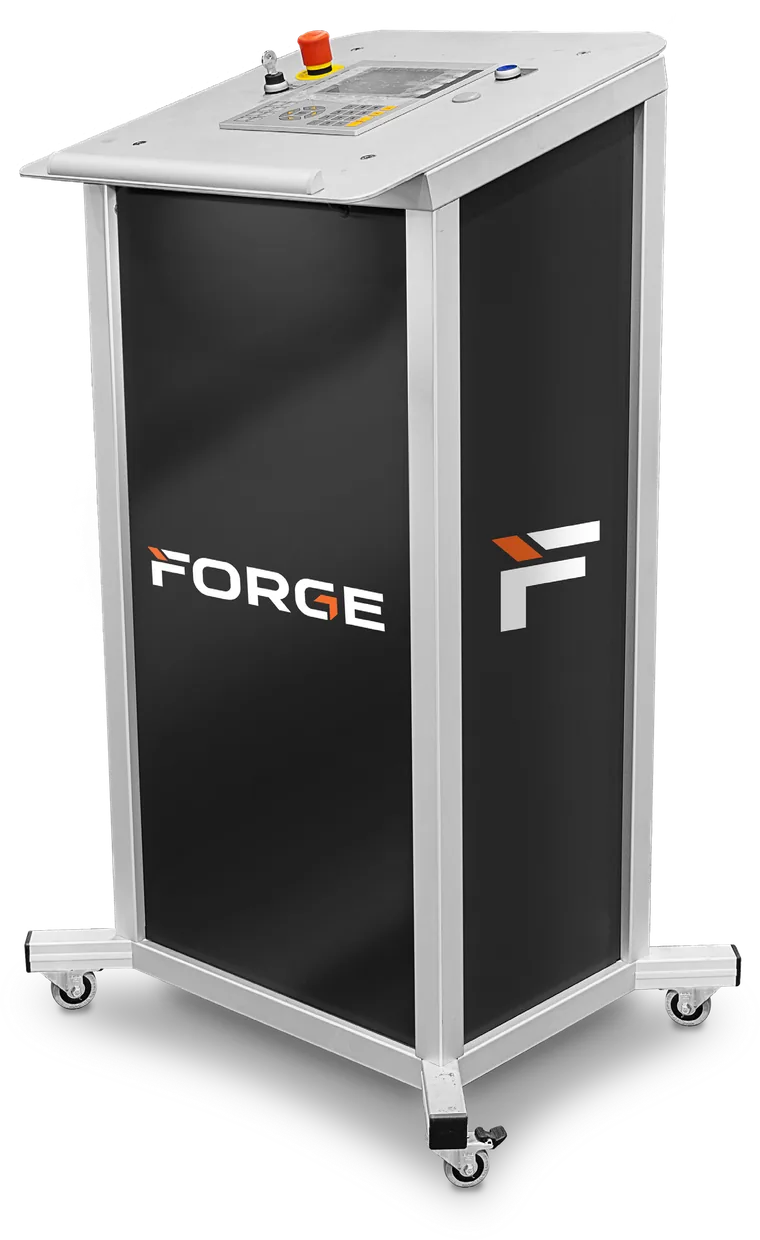
V-Basic, by Forge.
Built for shops that want a basic control that still handles both single and double folder functions. No touch screen and no graphics, just the functions you need in a trim folder.
How it works
Line by line, by the numbers.
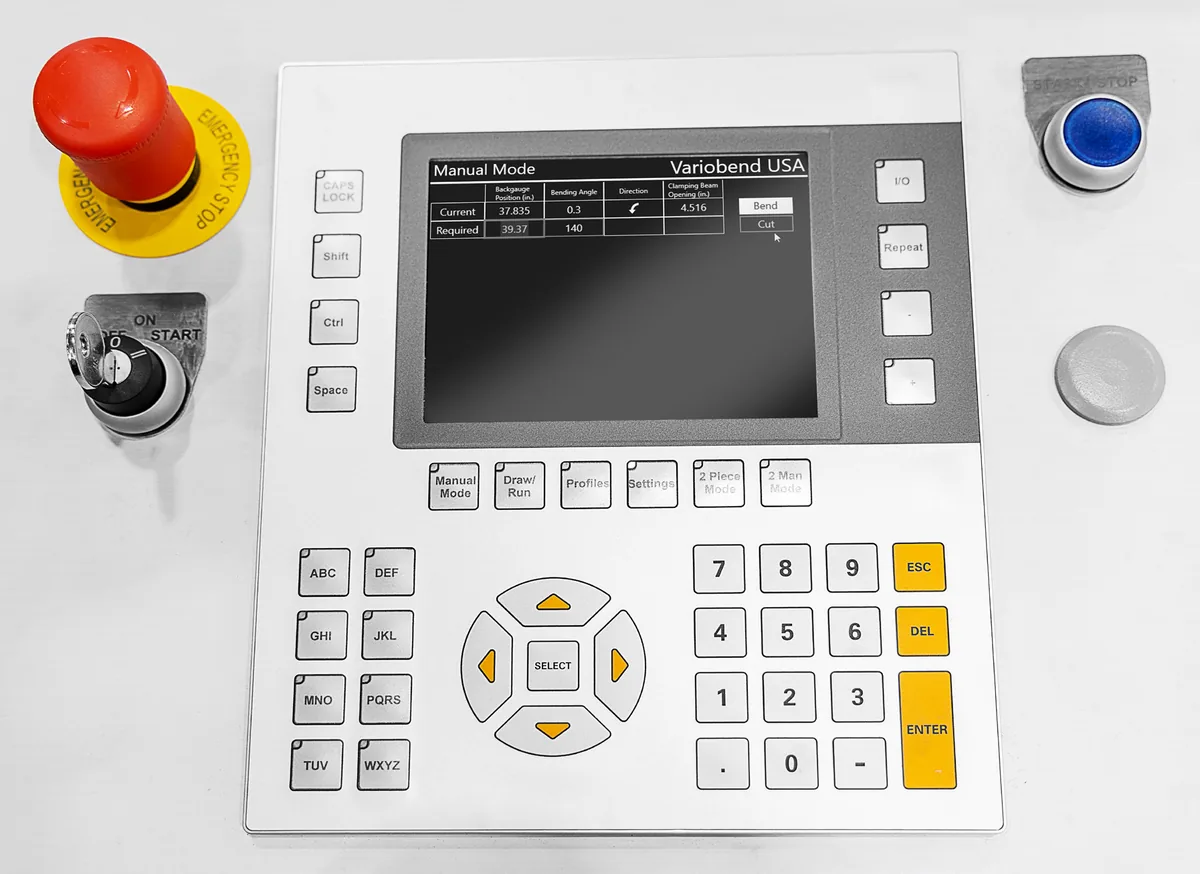
Using the keypad, you create profiles by entering measurements and angles line by line.
- Unlimited saved profilesName and save profiles, with no limit on how many you store.
- Material databasePreset angle corrections by material for consistent accuracy on every profile.
- The features you run every daySlitting, taper back gauge, grippers, 1 man / 2 piece mode and more.
- Single and double foldersOne control that handles both single and double folder functions.
Touch screen or keypad
Pick the control that fits your crew.
Prefer drawing profiles? The standard 24″ touch-screen control adds graphics and a profile library. Not sure which is right? We’ll walk you through both.
Side by side
V-Basic vs. touch screen.
| V-Basic keypad control | 24″ touch-screen control | |
|---|---|---|
| Profile entry | Measurements and angles, line by line on the keypad | Draw profiles on a 24″ wide touch screen |
| Graphics | None | Full profile drawing with a library of standard profiles |
| Saved profiles | Named, with no limit on how many you store | Library of standard profiles plus your own |
| Folder types | Single and double folder functions | Single and double folders |
| Runs on | Dedicated keypad console | Windows PC, for easy networking and compatibility |
Which control is right for you?
Tell us about your operators and the profiles you run. We’ll recommend a control and a folder to match.
Get a quote
Tell us what you fold. We’ll build the quote.
Share the profiles you run, the lengths you need and your timeline. A Forge specialist calls you within 24 hours with answers and a proposal built around your shop.